Products, Styles, Items, and Materials
The product integration API in Inspectorio enables organizations to seamlessly incorporate product, style, item, and material data into the Inspectorio system, supporting data creation, updates, and retrieval. This integration adapts to various organizational needs, ensuring that organizations can maintain accurate, up-to-date product records. This sets the groundwork for future integrations with related systems, such as purchase orders, inspections, lab tests, and other quality management tools.
This structure works best with the new taxonomy data source.
Before you start
Generate an API key for your organization and use it to authenticate your API requests.
Create or update (upsert) products, styles, items, and materials
Create new styles, items, and materials, or update existing ones to keep product information current. This allows for a straightforward style, item, and material data management tailored to each organization’s specific needs.
To create a new style, item, or material, or update an existing one in the system, use the PUT Create or Update (Upsert) products, items and materials API endpoint.
- If the style, item, or material is new, the system will automatically set its status to
Active. - For retailer organizations, you have the flexibility to create styles, items, and materials using your own data configurations, ensuring that product records meet your unique requirements.
Get synchronization status
Check the synchronization status of styles, items, and materials to ensure that product data is consistent across platforms. This is essential for identifying and addressing any issues that might arise during data integration.
To get style, item, or material information, use the Get synchronization status API endpoint. This request retrieves the current synchronization status, providing real-time updates on style, item, or material data integration.
List products, items, or materials
Use the List products, items, or materials API endpoint to retrieve the full, up-to-date list of your products, items, or materials, aligned with the same structure as the Create or Update (Upsert) products, items and materials API. It enables external labs to pull the exact data they need without manual coordination. Validate existing records before making updates to reduce errors and prevent unintended data loss.
Get a product, item, or material by custom ID
Use the Get a product, item, or material by custom ID endpoint to fetch a specific product, item, or material with its complete set of attributes. You can confirm item existence and verify details before uploading POs or sending updates, helping you avoid integration issues.
View integration log
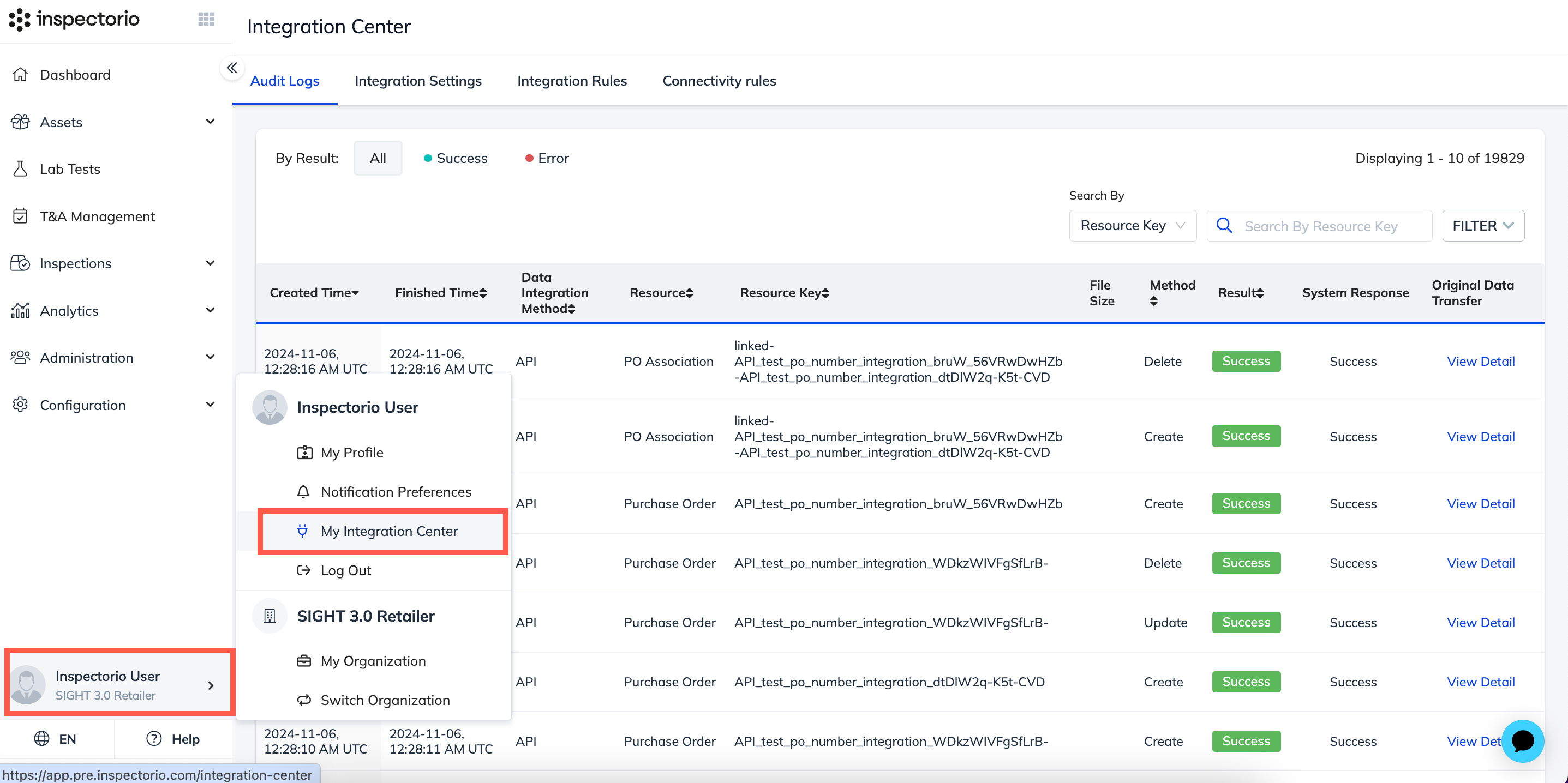
Track updates and monitor API integration events in the Integration Center > Audit Logs page for transparency and auditing.